Clip Images Media
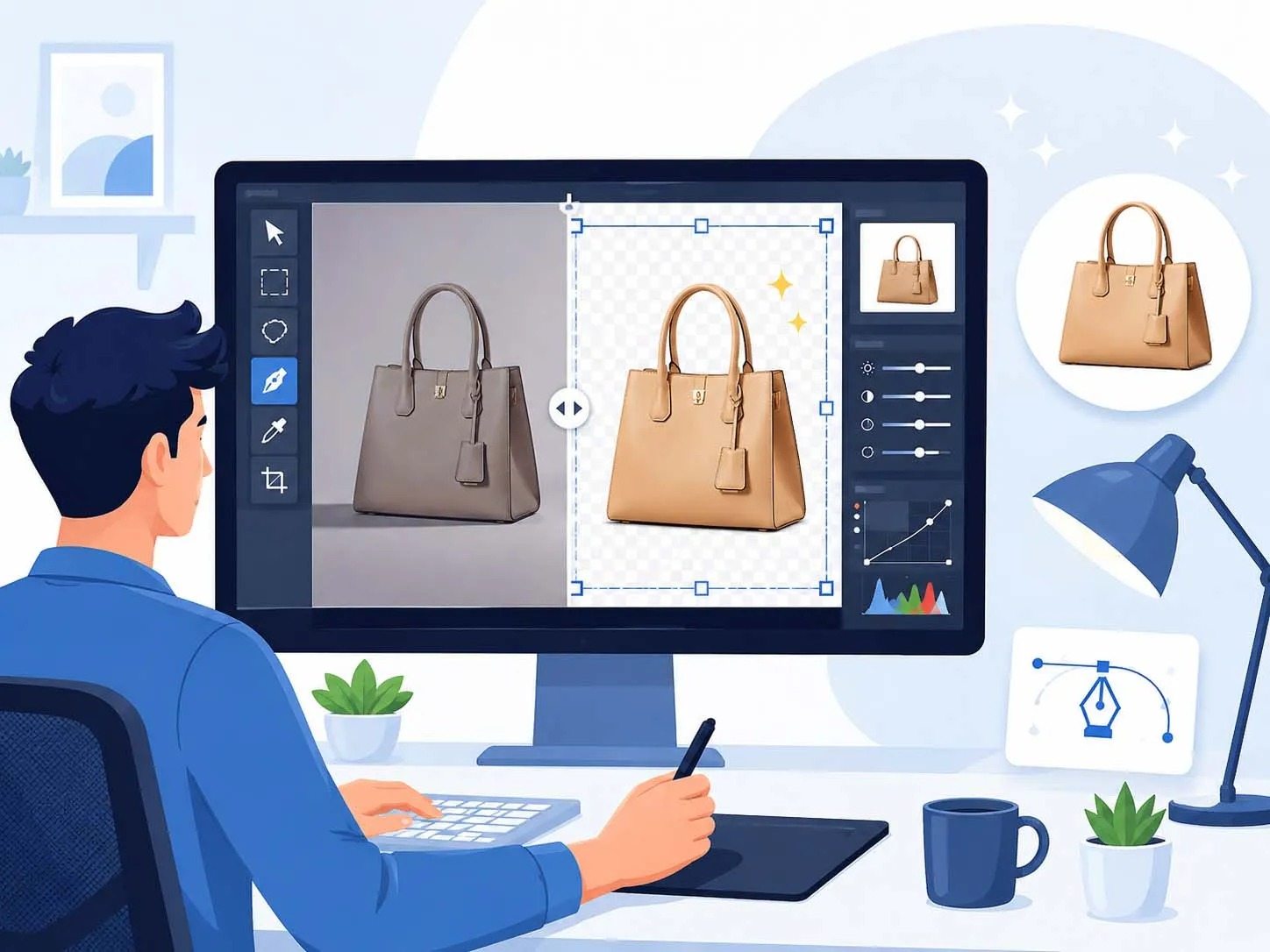

E-Commerce Editing
Clean crop, balanced color, soft shadow and marketplace-ready product finish.

Clip Images Media is a professional image editing and clipping path outsourcing studio. We improve product photos with precise cutouts, balanced lighting, natural color and clean ecommerce finishing so every image looks premium, consistent and ready for stores, catalogs, ads and campaigns.
Every file is reviewed for edge quality, shadow balance, crop consistency, export accuracy and product alignment, helping your full image range stay neat, sharp, professional and reliable.
We handle single product photos and bulk image folders with careful manual editing, matching sizes, backgrounds, color tone and finishing style before final delivery.

Check our rating and client feedback before starting your free sample or bulk project.
We manually edit every image with attention to edges, color, shadows, reflections and natural finishing. Our goal is simple: your product should look premium, clear and trustworthy wherever customers see it.
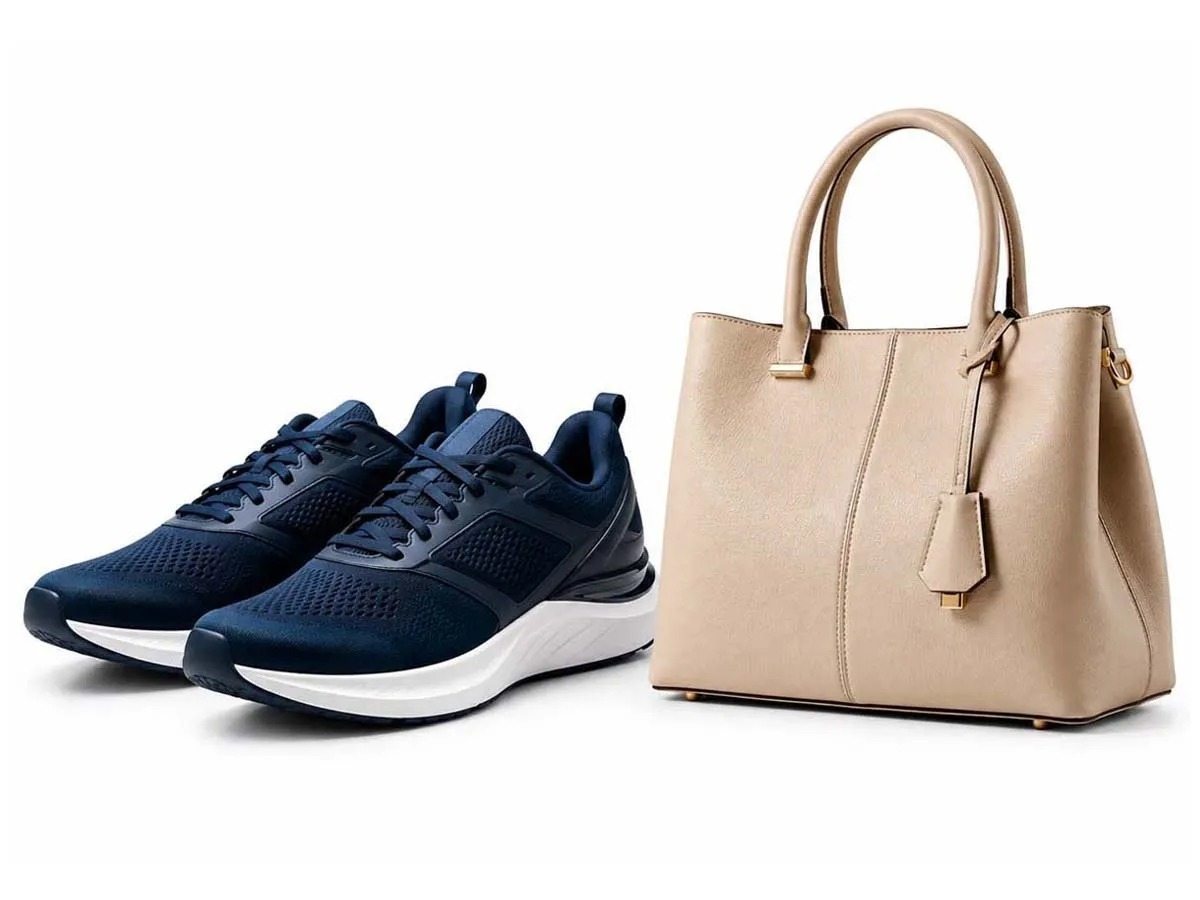
Product, fashion, jewelry, accessories and catalog images need different editing styles. We keep each image clean, accurate and brand-ready.
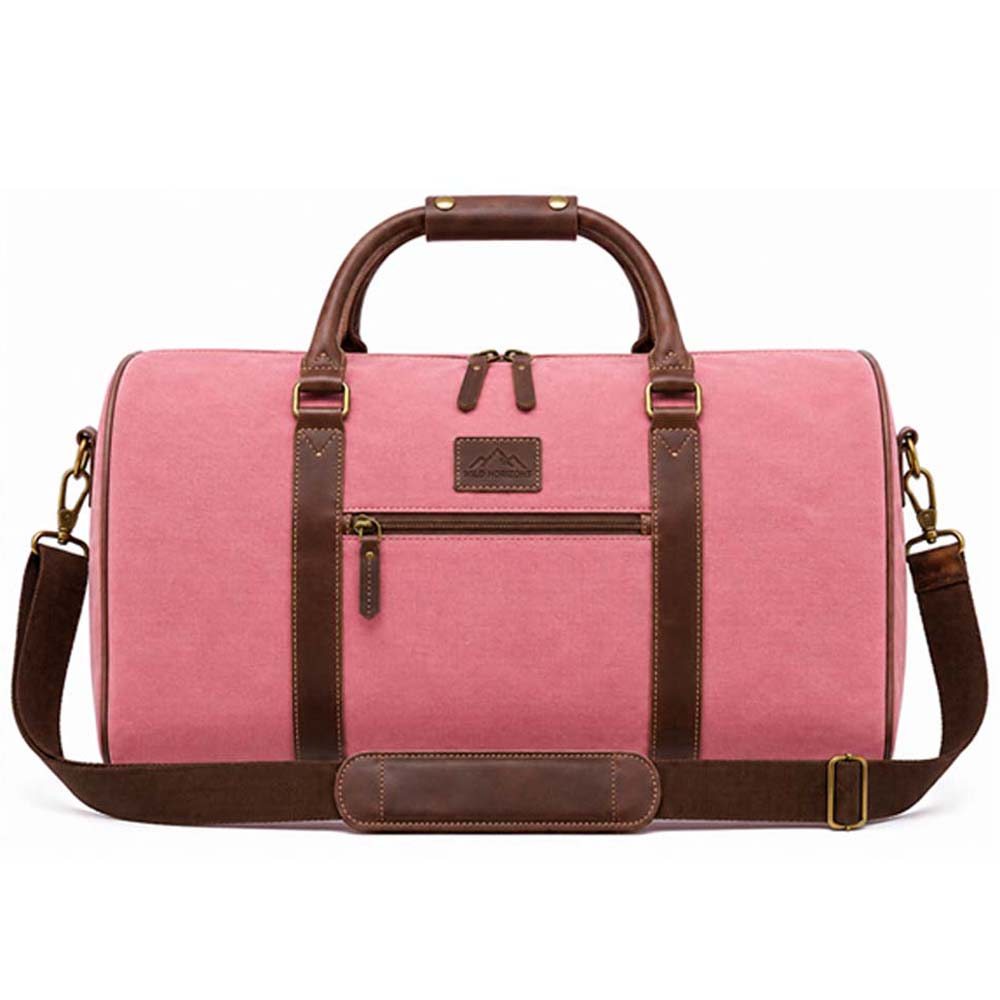
Clean crop, balanced color, soft shadow and marketplace-ready product finish.
Manual cutout with clean edges, accurate shape, white background and natural finish.

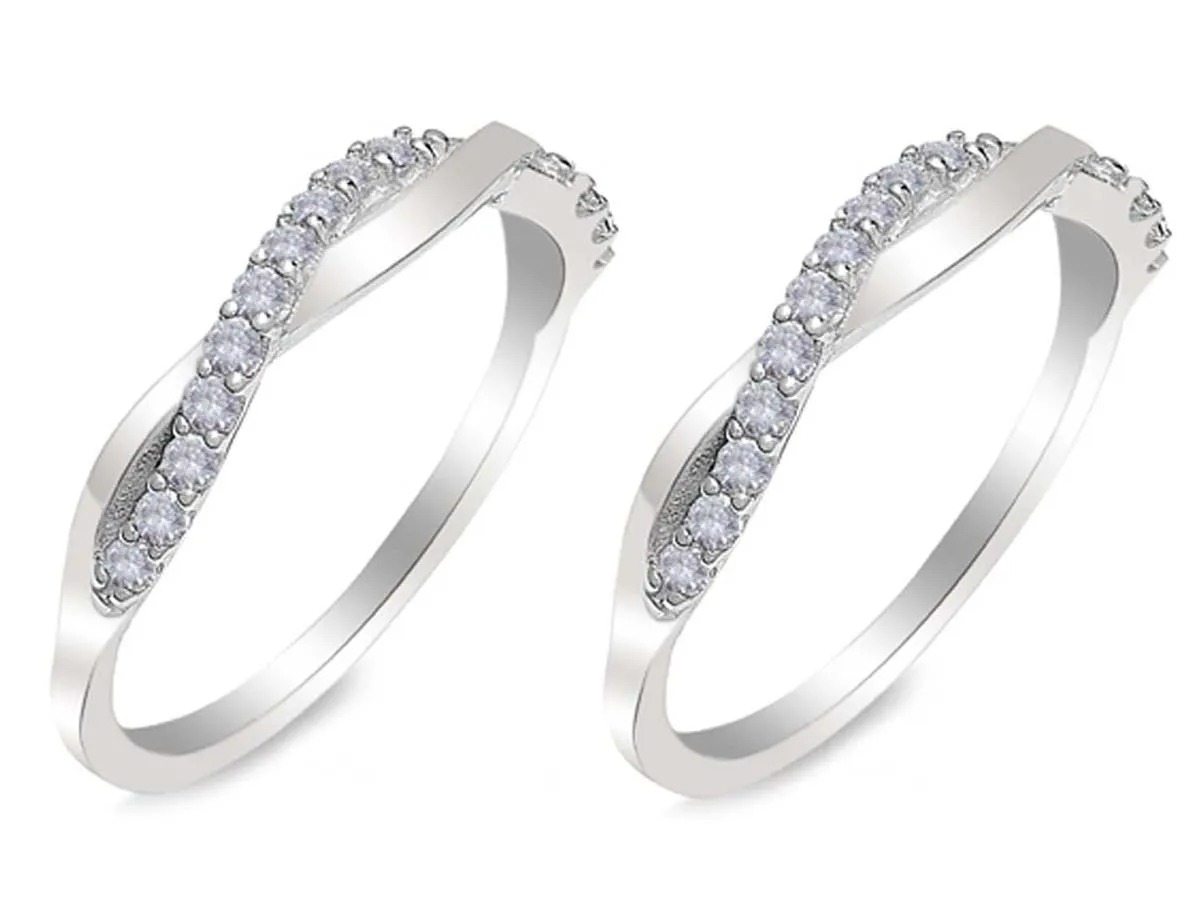
Dust cleanup, shine control, stone clarity and premium jewelry polish.

Antique cleanup with natural color, detail correction, soft shadow and clean finish.
Clean service cards with 14 services. First 8 highlighted, then more services on click.
Clean handmade cutout with smooth product edges for ecommerce and catalog images.
Premium shine, dust cleanup, gemstone clarity and luxury finishing for jewelry photos.
Natural soft-edge masking for hair, fur, glass and transparent product details.
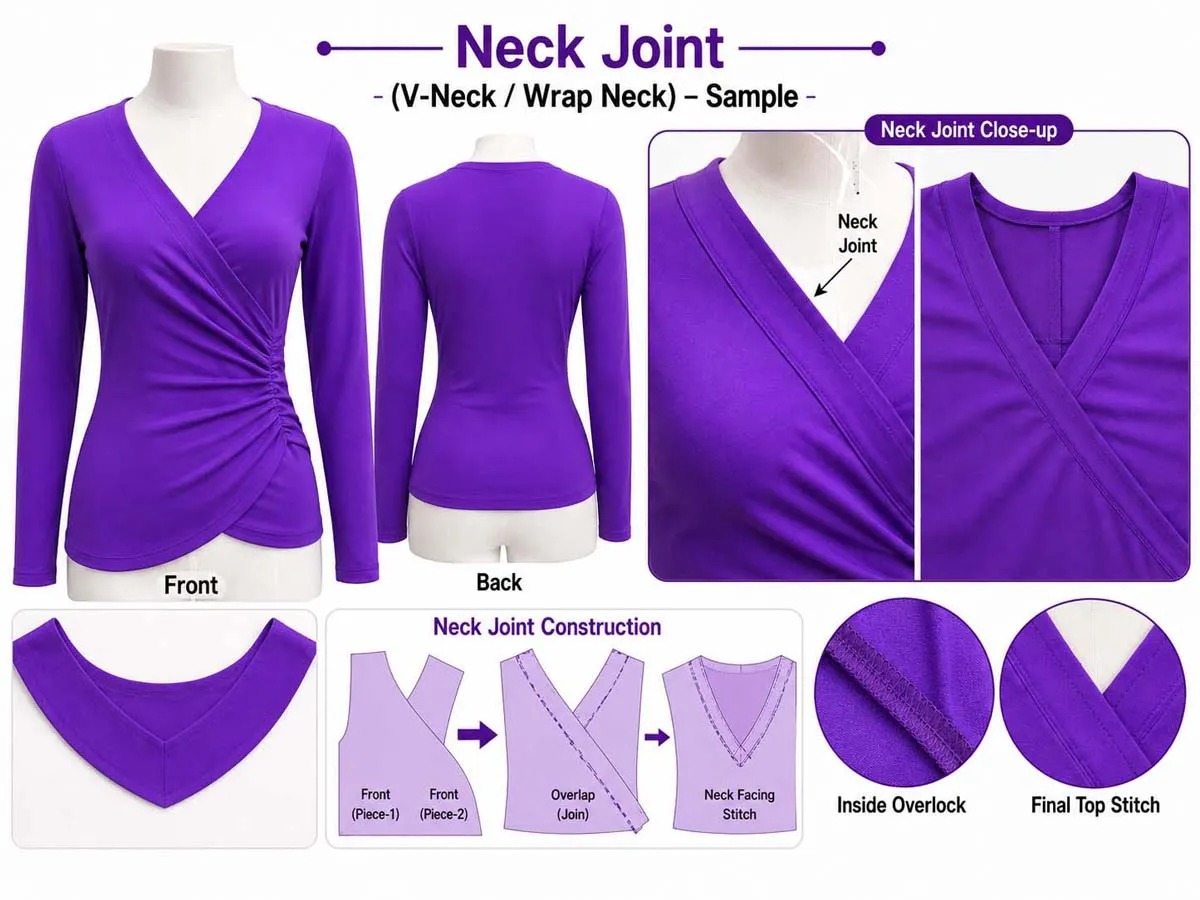
Ghost mannequin neck joint editing for clean apparel and fashion catalog display.
Balanced color, brightness and contrast so every image looks accurate and brand-ready.
Natural drop shadows, soft shadows and reflection depth for realistic product presentation.
Creative object cleanup, product compositing and advertising-ready background enhancement.
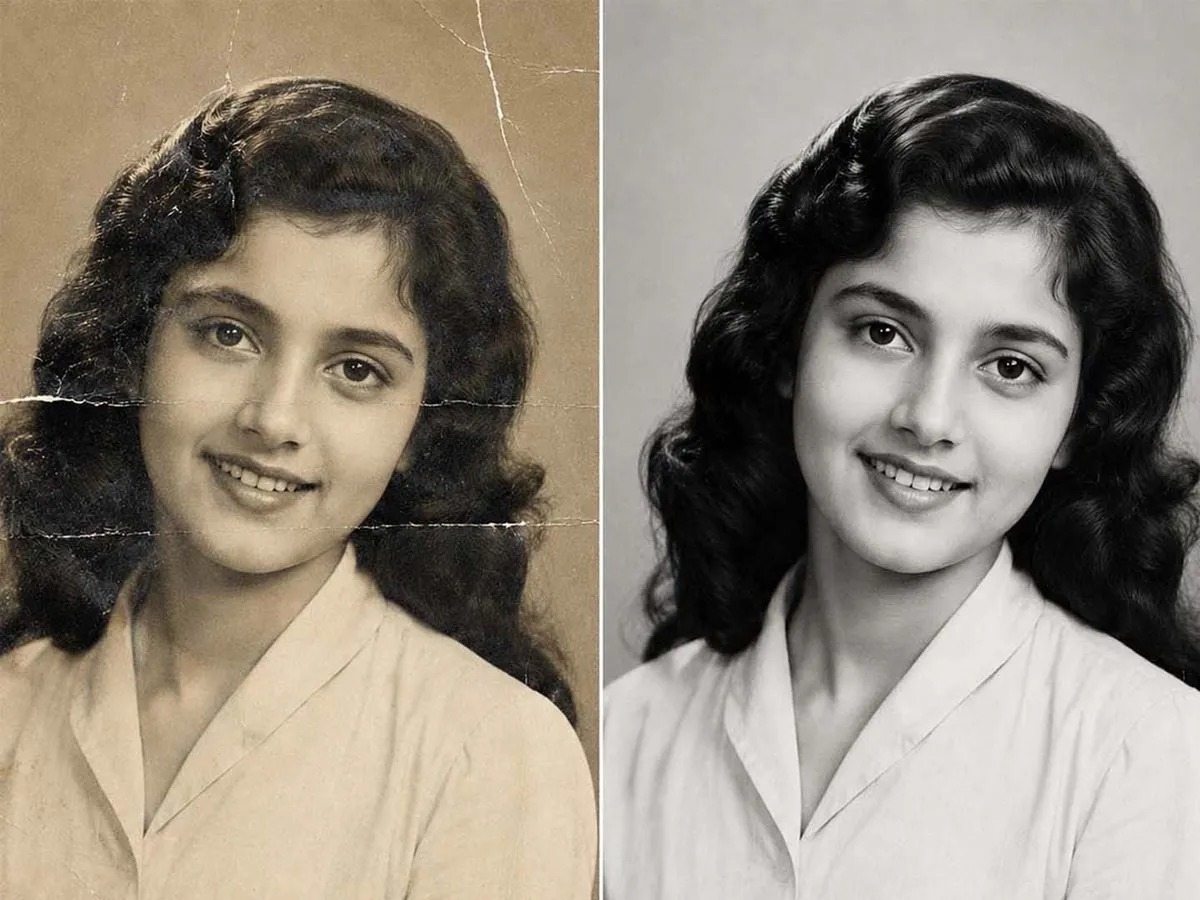
Old photo cleanup, scratch repair, faded area recovery and natural clarity improvement.
Careful antique product cleanup with authentic texture, color control and catalog appeal.
Consistent background, sizing, shadow and alignment for online store product images.
Clean professional logo artwork and simple brand presentation assets for business use.
Premium Editing Workflow For Every Image Type

Precise hand-drawn paths forclean product cutouts withsmooth edges and white ortransparent backgrounds.
View Clipping Path
Detailed masking for hair, furand fine edges while keepingnatural strands clean on whiteor transparent backgrounds.
View Hair Masking
Repair scratches, faded areasand old photo damage whileimproving clarity and naturaldetail.
View RestorationPrepare consistent productimages for stores, catalogsmarketplaces and advertisingcampaigns.
View Ecommerce
Create clean professional logoswith simple brand identityassets for presentation andbusiness use.
View Logo Design
Careful antique cleanup withnatural color and texturedetail correction for cleancatalog finish.
View Antique Items
Natural drop shadow and softreflection with controlleddepth for premium productpresentation.
View Shadow Creation
Dust cleanup, shine controlstone clarity and premiumpolish for jewelry catalogimages.
View Jewellery Retouch
Clean ghost mannequin editingwith natural shape, smoothneck joint and apparelcatalog finish.
View Neck Joint
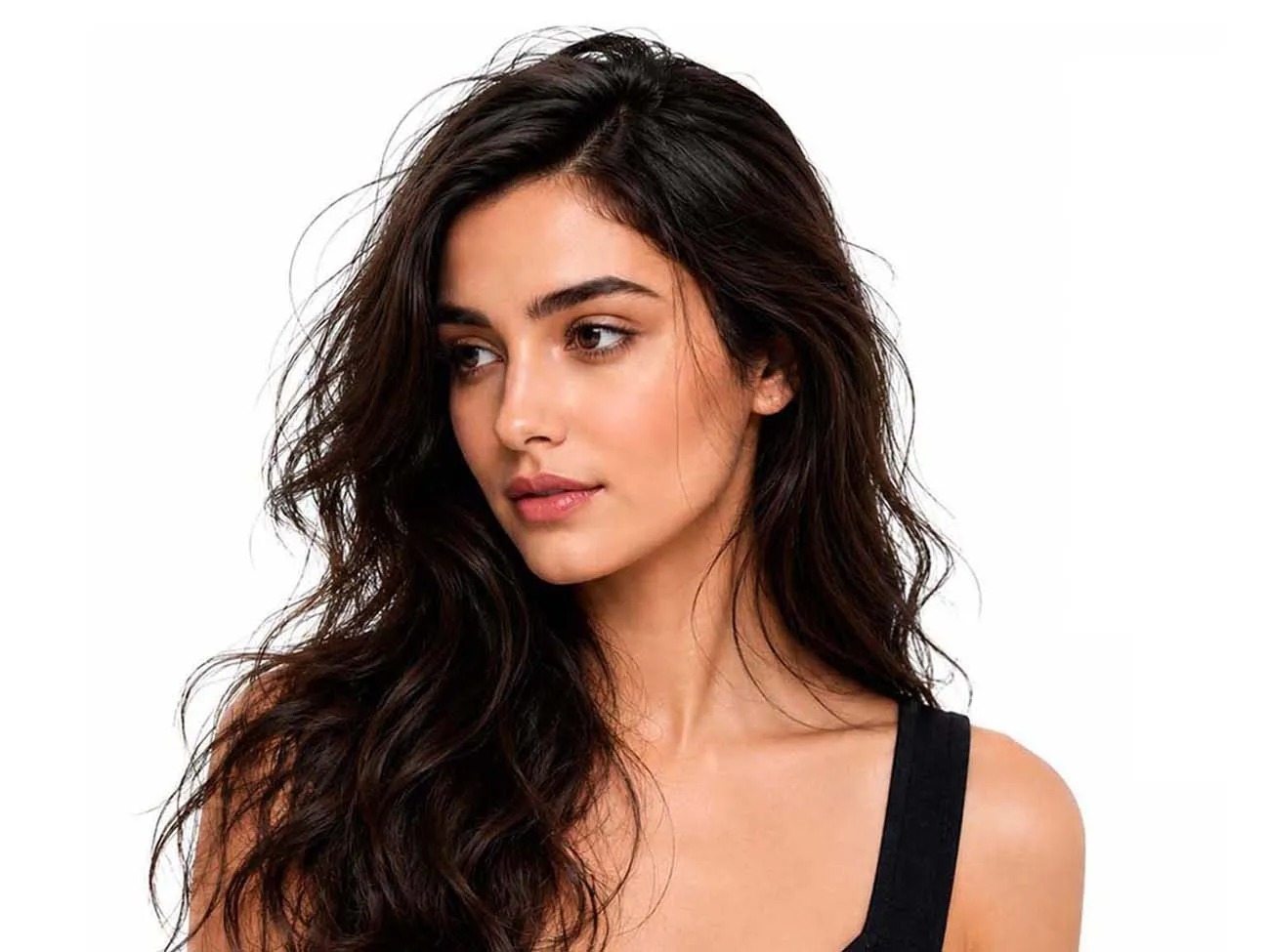
Natural model retouching withclean skin tone, real textureand professional fashionquality.
View Model Retouching
Polished vehicle photos withclean background, reflectioncontrol and showroom-readyoutput.
View Car Image Editing
Consistent 360 degree frameswith aligned crop, cleanbackground and marketplaceready output.
View 360 Degree Editing
Balanced product color withcorrect brightness and tonematching for consistentoutput.
View Color Correction
Creative product editing withobject cleanup, backgroundenhancement and advertisingfinish.
View Image ManipulationEstimate a project, compare real editing examples and choose a workflow built for ecommerce brands, photographers, retailers and agencies.
Use the published service pricing to get a quick estimated range. Final pricing depends on image complexity and instructions.
A practical workflow for daily catalogs, marketplace listings and recurring high-volume image work.
Common workflows for stores, studios and agencies that need consistent output without creating an in-house editing bottleneck.
Background cleanup, clipping, sizing and color consistency for marketplace-ready product images.
Repeatable editing for client campaigns, studios and teams that need an external production layer.
Prepare product images for Amazon, Shopify, eBay, Etsy, Walmart and other online storefronts.
Dedicated pages for clients searching for professional ecommerce and product photo editing in major international markets.
Clip Images Media is a professional photo editing and clipping path outsourcing studio. Our skilled team provides 100% manual Photoshop editing services including background removal, jewelry retouching, ghost mannequin, color correction, and bulk ecommerce product photo processing for retailers, photographers, and creative agencies worldwide.
No. Clip Images Media is an independent commercial photo editing service and graphic studio. We specialize in human-crafted clipping paths, Photoshop vector cutouts, and ecommerce photo retouching, and we have no association with OpenAI or contrastive language-image pre-training software.
Yes. Use the Upload Sample option to share an example and instructions before confirming a larger batch.
Yes. Product images can be prepared for common marketplace and online-store presentation requirements, including clean backgrounds, consistent sizing and retouching.
No. It uses the published pricing ranges as an estimate. The exact quote depends on complexity, quantity, turnaround and project instructions.
Yes. Recurring and bulk workflows can be discussed for agencies, studios, retailers and ecommerce teams that need consistent production support.
Experience studio-grade clipping path, retouching and bulk catalog speed with zero commitment.